









Table of Contents
Enhancing Team Collaboration with Project Management Tools
Effective marketing relies heavily on team collaboration. Project management tools serve as the backbone of this collaboration, enabling teams to work together more efficiently. When everyone has access to the same information, misunderstandings are less likely. For instance, tools like Trello or Asana allow team members to comment on tasks, share files, and update progress in real time. This transparency fosters accountability and ensures that everyone is on the same page.
- Implement tools for better project tracking and accountability.
- Streamline communication to prevent misunderstandings and delays.
- Use task automation to save time and enhance productivity.
For example, imagine a marketing team launching a new product. With a project management tool, each member can see their responsibilities and deadlines clearly. This setup helps keep the project on track and enables managers to identify potential bottlenecks early. Effective communication channels, such as integrated messaging features, allow for quick discussions, which are critical when making decisions on the fly.
Using project management tools can streamline feedback loops. Instead of lengthy email threads, feedback can be provided directly on the task boards. This method not only saves time but also organizes input in a way that is easy to reference later. The result is a faster, more responsive team that can adapt to changes in the market or project requirements.
Key Features to Look For
- Task Assignment: Ensure team members can be assigned specific tasks with clear deadlines.
- File Sharing: Choose tools that allow easy sharing of documents and resources.
- Real-Time Updates: Look for platforms that provide instant updates to keep everyone informed.
- Integrated Communication: Opt for tools that include messaging or comment sections for efficient discussions.
Organizing Marketing Campaigns Effectively
Marketing campaigns often involve multiple components and require careful organization. Project management tools play a vital role in ensuring that all elements are coordinated efficiently. By creating a centralized hub for campaign details, teams can keep track of deadlines, budgets, and performance metrics. For example, using a Gantt chart feature within a tool can help visualize the timeline of a campaign, making it easier to identify overlapping tasks and critical paths.
Breaking down a campaign into smaller tasks can improve focus and accountability. Each task can be assigned to different team members, with specific deadlines and objectives. This structure allows for better tracking of progress and makes it easier to adjust plans based on real-time performance data. Teams can also use these tools to assess which parts of the campaign are performing well and which need adjustments.
Steps to Organize Your Campaign
- Define Campaign Goals: Establish clear objectives for what you want to achieve.
- Break Down Tasks: List all tasks needed to meet the goals.
- Assign Responsibilities: Allocate tasks to team members based on their strengths.
- Set Deadlines: Create a realistic timeline for each task.
- Monitor Progress: Regularly check in on task completion and make adjustments as needed.
Improving Workflow Efficiency
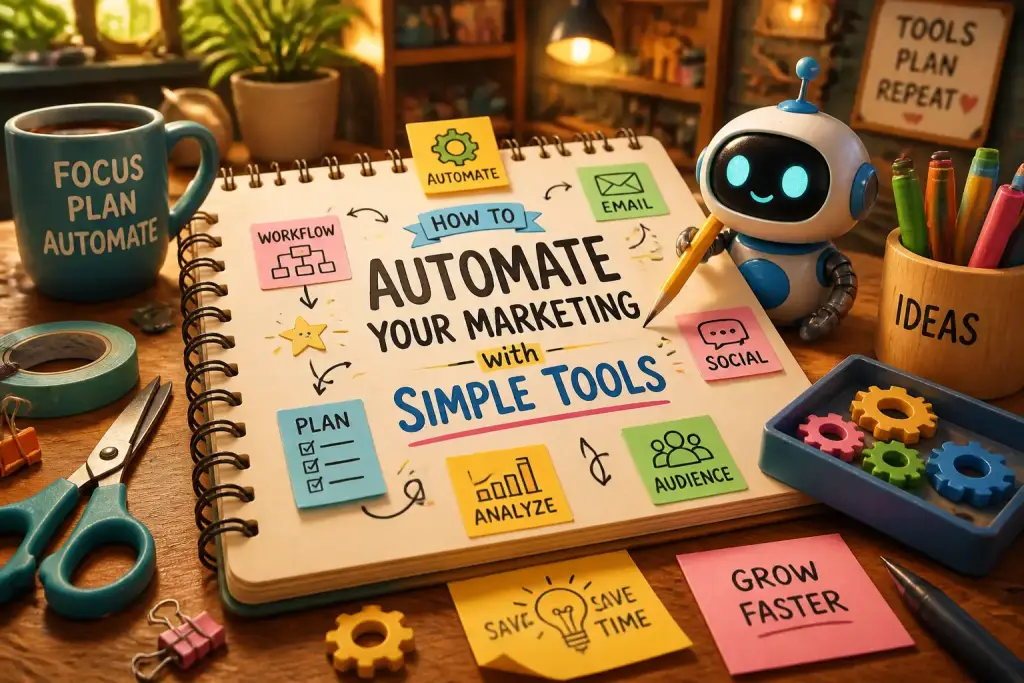
Efficiency is key in marketing, where time is often limited. Project management tools can significantly enhance workflow efficiency by automating repetitive tasks. Automation features allow team members to focus on more strategic activities rather than getting bogged down by administrative duties. For instance, assigning recurring tasks automatically can ensure that regular activities, such as social media posting, are consistently completed on schedule.
Integrating project management tools with other marketing platforms can create a more cohesive workflow. This integration means that data can flow seamlessly between applications, reducing the time spent on manual data entry. For example, connecting a project management tool to a CRM system allows marketers to track customer interactions and tailor campaigns accordingly.
It’s important to regularly review and analyze workflows. Gathering feedback from team members can help identify areas of improvement. By adjusting processes based on this feedback, organizations can create a more efficient working environment that promotes productivity and morale.
Choose a project management tool that integrates with your existing marketing software for a smoother workflow and better data sharing.
Tracking Performance Metrics
Understanding the effectiveness of marketing efforts is crucial for any team. Project management tools provide valuable insights into performance metrics. By using dashboards and reporting features, teams can track KPIs such as engagement rates, conversion rates, and campaign ROI. This information helps marketers make informed decisions about where to allocate resources and how to adjust strategies.
For example, a marketing team can monitor the performance of different ads across platforms. If one ad is outperforming others, resources can be shifted to maximize its effectiveness. Regularly reviewing these metrics ensures that teams stay aligned with their goals and can pivot strategies when needed. Building performance reports directly into the project management tool can save time and provide a comprehensive overview of all marketing activities.
Essential Metrics to Monitor
- Engagement Rates: Measure how audiences interact with your content.
- Conversion Rates: Track the percentage of leads that turn into customers.
- Traffic Sources: Identify where your website visitors are coming from.
- Return on Investment (ROI): Calculate the profitability of campaigns.
Facilitating Remote Work
As remote work continues to be a significant aspect of the modern workforce, project management tools are essential for managing distributed teams. These tools provide a platform for collaboration regardless of location. Teams can share updates, files, and feedback in real time, ensuring that everyone remains connected and informed.
In today’s global market, having a diverse team can be an advantage. Project management tools help manage time zone differences and varying work schedules. Features like time tracking and activity logs can provide insights into team productivity and help manage workloads effectively. This ensures that all team members contribute equally, regardless of where they are located.
To enhance remote teamwork, it is beneficial to establish clear communication protocols. Regular check-ins, either through video calls or messaging, can help maintain team morale and keep everyone aligned on goals. Using a project management tool that supports these features can make remote collaboration smoother.
Integrating Other Tools for a Holistic Approach
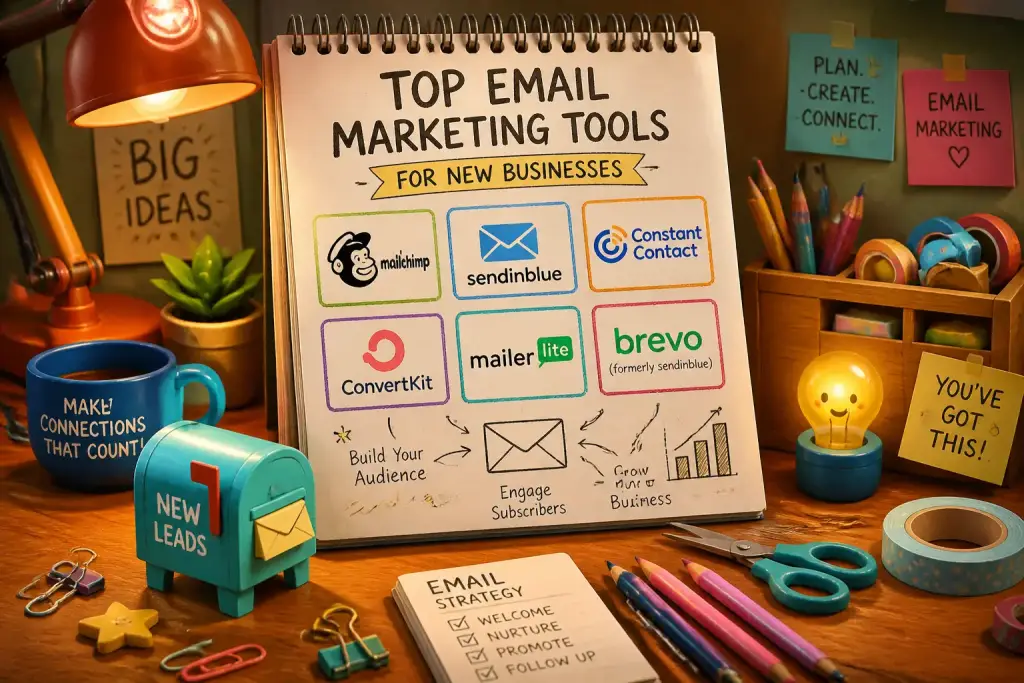
The true power of project management tools comes from their ability to integrate with other software. By connecting various platforms, teams can create a unified workspace. This integration can include marketing automation tools, CRM systems, and analytics platforms. For instance, linking a project management tool with an email marketing platform can streamline campaign setup and tracking.
When choosing tools to integrate, consider those that best fit your workflow. For example, if your team relies heavily on social media, integrating with a social media management tool can simplify scheduling and performance tracking. This holistic approach allows for better resource allocation and a more strategic marketing process.
Overall, leveraging the right combinations of tools can lead to significant improvements in marketing outcomes. As teams adopt more integrated solutions, they can expect to see increased efficiency, better collaboration, and ultimately, higher success rates in their campaigns.